
Try it and turn it on
Try it free with your menu and turn it on when you're convinced.
Updated 26 October 2026
On this page
What it's for
Before paying anything, you can try your waiter in the dashboard with your own menu: ask it questions as a guest would and see what it answers and suggests. If you like it, you can turn it on in a minute.
Where to find it
- In the dashboard menu: AI › AI waiter, with the «New» tag until you have it. It opens its page inside Settings › Modules.
- In Live, the banner «New · [name], your AI waiter», with the button to meet it.
- In Settings › Billing, under «Add to your plan», with the Try her with your menu › button.
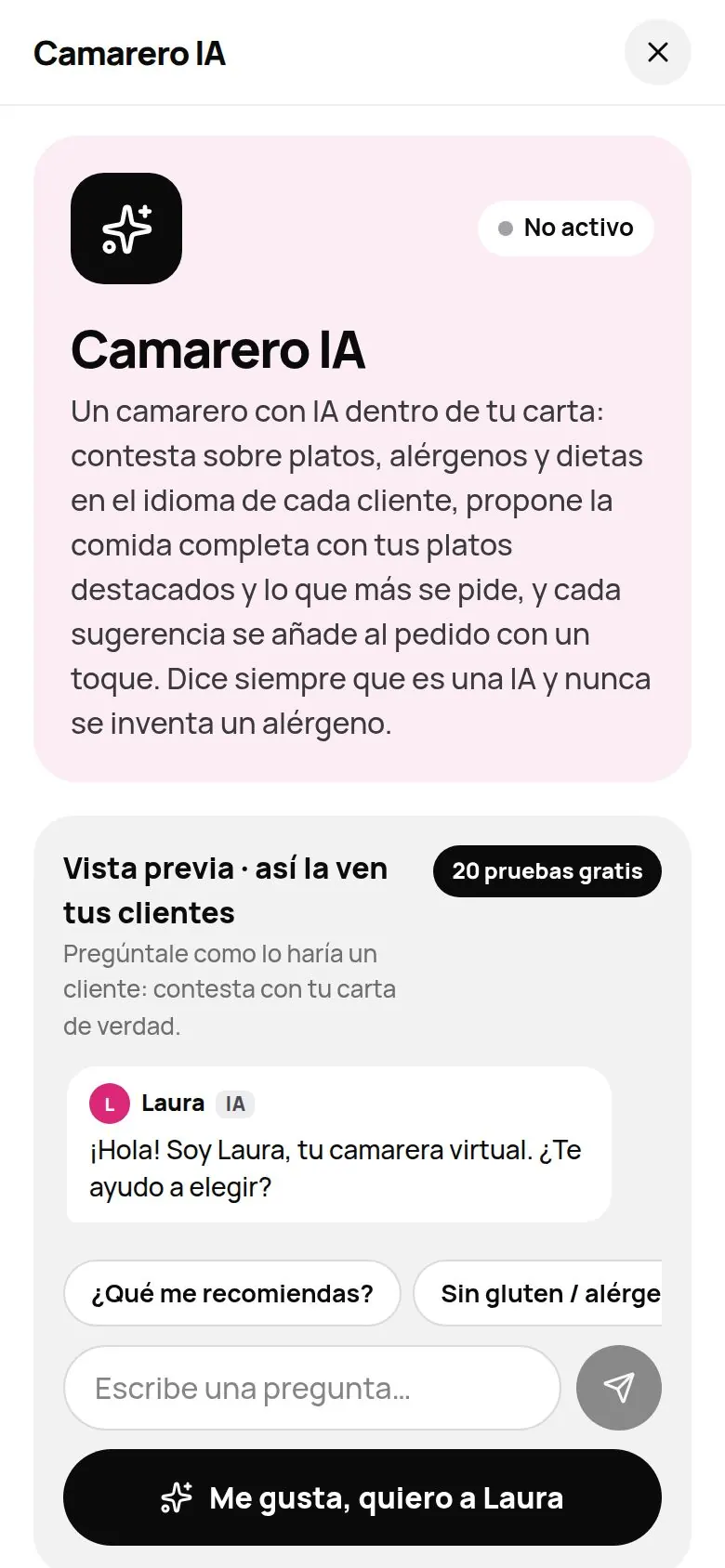
Even if you haven't turned it on, you can already create it your way: name, voice, look and greeting (see Create your waiter).
Try it free: 20 tries with your menu
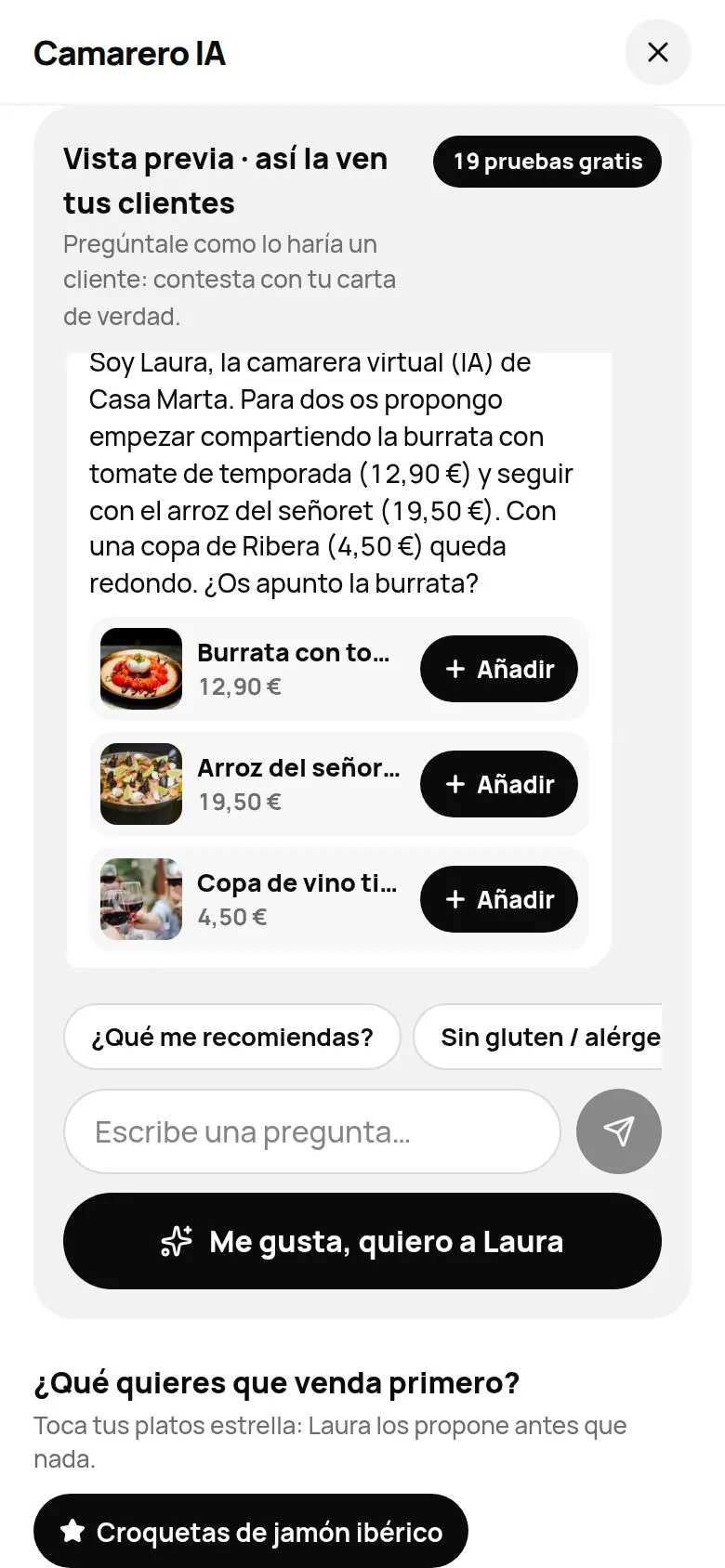
- Open AI › AI waiter. At the top you'll see «Preview · what your guests see» and the «20 free tries» tag.
- Tap a button («What do you recommend?», «To share»…) or type a question, for example: «There are two of us, what do you recommend for dinner?». You can choose which language to try it in: any of the 8 menu languages.
- Tap Add on the dishes it suggests. They go to a test table: «Noted! It's on the test table.», and the waiter suggests the next thing with its buttons. If you add the same dish again, the card shows − n + to remove one or add one more.
- Tap Send order in the «Test table» bar. It replies «Coming right up! This is a test: nothing reaches the kitchen.» and shows you «How the ticket grows»: what your guest came for compared with what they leave with thanks to the waiter.
- Type «the bill» to see the bill summary your guest would see. In the test, the buttons don't charge or notify anyone: «On your real menu, this would open «…».»
Nothing you do in the preview reaches your kitchen or your guests.
Choose what you want it to sell first
Below the preview, under «What do you want her to sell first?», tap your star dishes (up to 8). The waiter suggests them before anything else. Each tap is saved instantly. It's the same as marking the dish as Featured (★) on the menu.
Turning it on
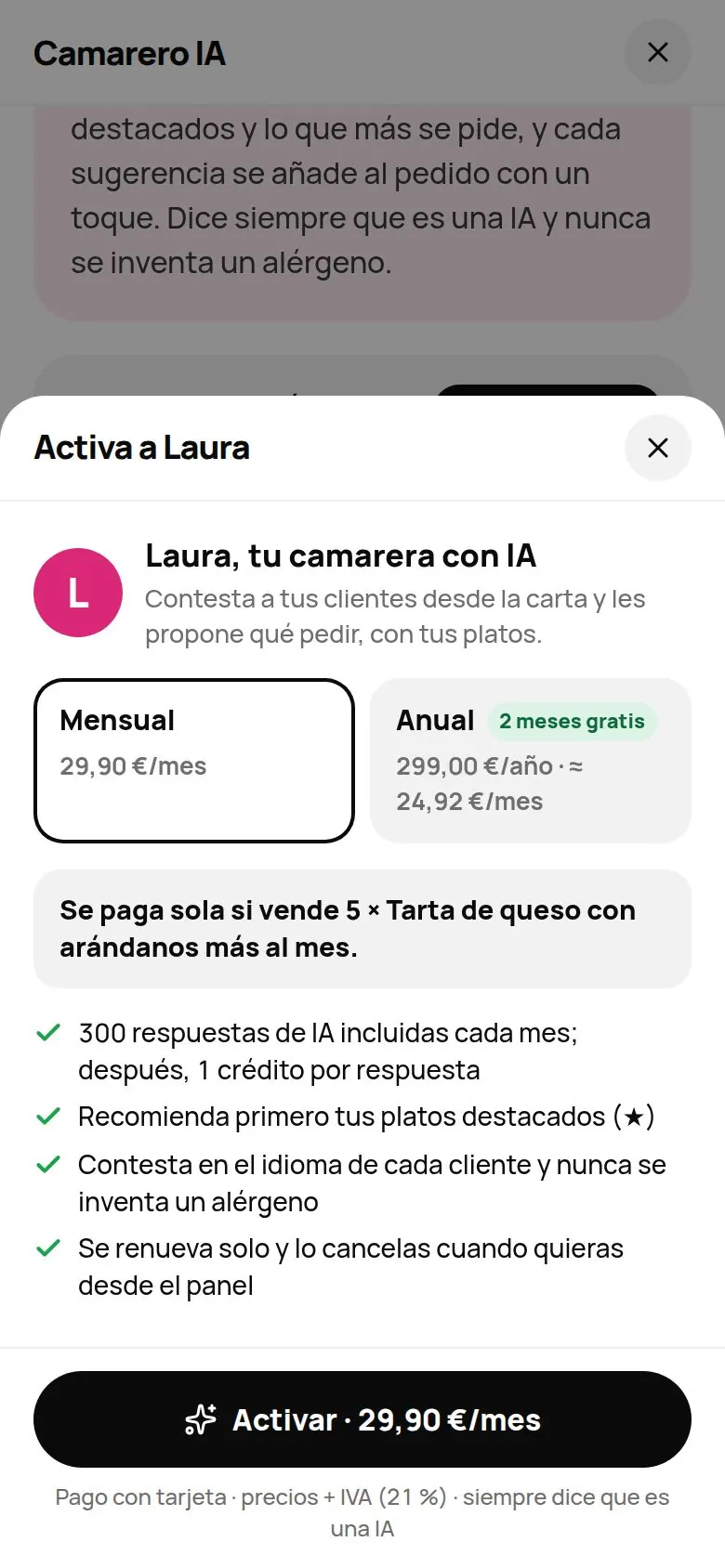
- Tap I like it, I want [name] (or Turn on [name] · 29.90 €/mo after the test).
- Choose Monthly (29.90 €/month) or Yearly (299 €/year, which works out at about 24.92 €/month: 2 months free). Prices + VAT.
- If you have desserts or featured dishes between 3 and 15 €, you'll see a simple sum: «Pays for itself if it sells N more [your dessert] a month.»
- Tap Turn on · 29.90 €/mo (or Turn on · 299.00 €/yr).
- If you already have a card saved (for example, because you already pay for your plan), it turns on with one tap: you'll see «[name] is now on your menu!». If you choose the same billing cycle as your plan, today you only pay the part left until your next charge, and from then on everything is charged on the same day.
- If you don't have a card saved, Stripe's secure payment page opens. When you're done, you're taken back to your dashboard.
There's no free paid trial: you pay from day one (the 20 tries are there for testing). If you have the Everything plan, you already have it: its page says «Included in your Everything bundle».
Turning it off or cancelling
- Turn it off for a while, without cancelling: in Settings › Modules › Turn on and off. The «Ask me» button disappears from the menu, along with the order suggestions; your figures are kept. You can also use the Show the AI waiter on your menu switch on its page.
- Cancel: on its page, Cancel module. It asks «Cancel AI waiter? It stays on until the end of the paid period.». Until that date you'll see «Ends [date]» and you can undo it with Don't cancel.
Common problems
| You see this | What's happening | What to do |
|---|---|---|
| «No tries left» | You've used the 20 AI tries. | You can keep trying the buttons, or turn it on. |
| «It is already included in your plan.» | Your plan already includes the AI Waiter. | No need to buy it: check its settings. |
| «You already have it.» | It's already on. | Open its page to see its figures and settings. |
| «Payments aren't available right now…» | Payment can't be opened right now. | Try again in a while. |
| You don't see «AI waiter» in the menu | You signed in with a team PIN. | Sign in with the owner's account. |